JSON Utility
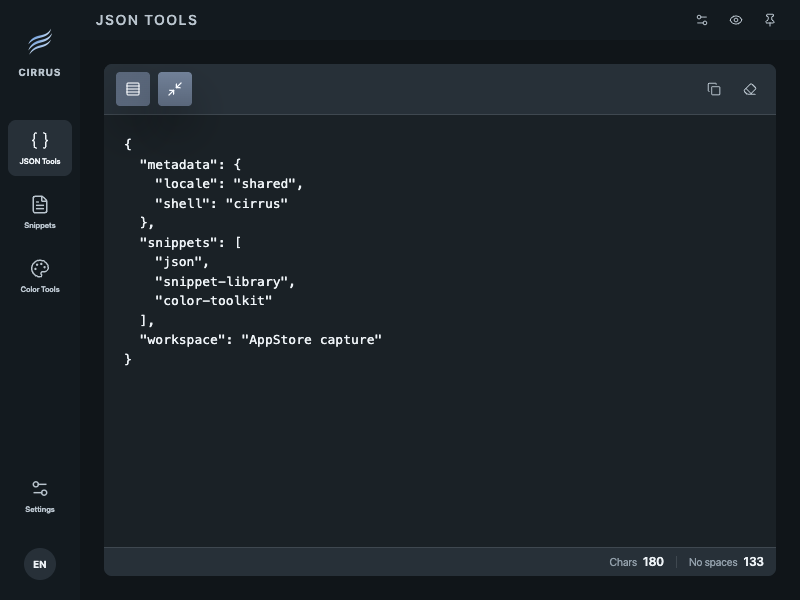
Format, minify, and copy payloads without opening a separate web tool.
 Cirrus
developer utility hub
Cirrus keeps JSON cleanup, snippets, color references, quick calculations, and clipboard session items in one quiet layer for macOS developers.
Product facts
Product tour
From JSON cleanup to snippets, colors, calculations, and clipboard history—see all five tools in the real app.
On a small screen, use full screen for clearer details.
This video shows the real Cirrus app formatting and minifying JSON, finding and copying snippets, converting color formats, calculating from the keyboard, and bringing back clipboard history.
Utilities
Format, minify, and copy payloads without opening a separate web tool.
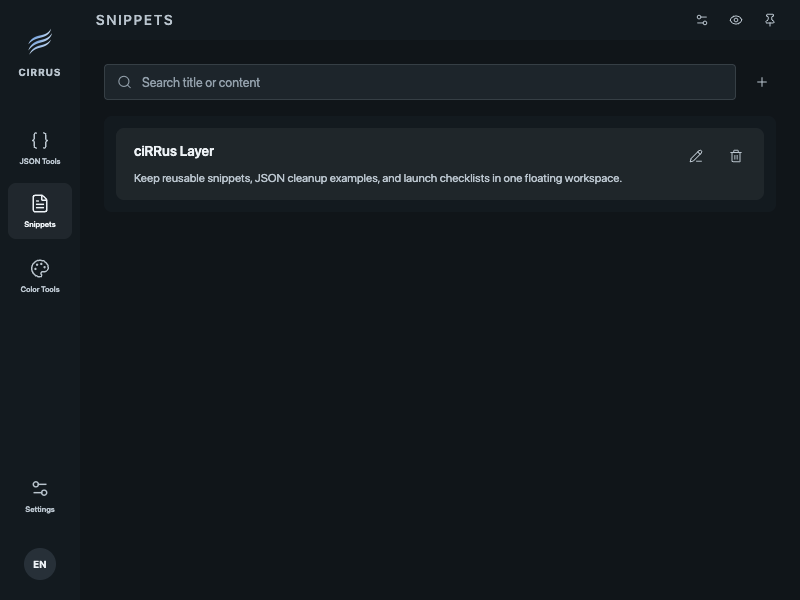
Search and copy prompts, commands, and short templates you use throughout the day.
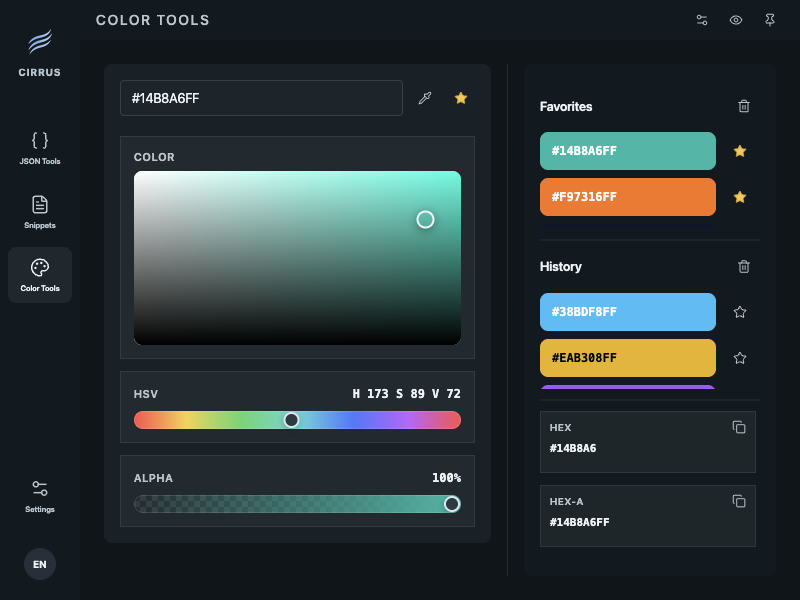
Convert saved colors and picked values between HEX, RGBA, and HSL.
Run short calculations and reuse recent results without leaving the current task.
Keep copied items close for the current session and save useful ones as snippets.
Entitlement
One purchase expands the local storage limits used in day-to-day work.
Price$1.99One-time purchase, no expiration
FAQ
Cirrus is a local-first desktop utility for macOS developers. It brings JSON cleanup, snippets, color conversion, calculations, and clipboard history into one app.
Cirrus includes JSON formatting and minification, snippet search and copy, HEX, RGBA, and HSL color conversion, quick calculations, and clipboard history for the current session.
Yes. The core utilities work without signing in, and their default working data stays on your Mac. Signing in adds account sync for snippets and favorite colors.
Clipboard History and JSON Utility input and output are processed on your device by default. Data can become part of account sync only when you save it as a snippet or another synced item.
No. Cirrus Pro is a non-expiring, one-time in-app purchase that expands local storage limits. Apple App Store handles purchase and restore.
Cirrus requires macOS 12.0 or later. You can download it for free from the Mac App Store.